

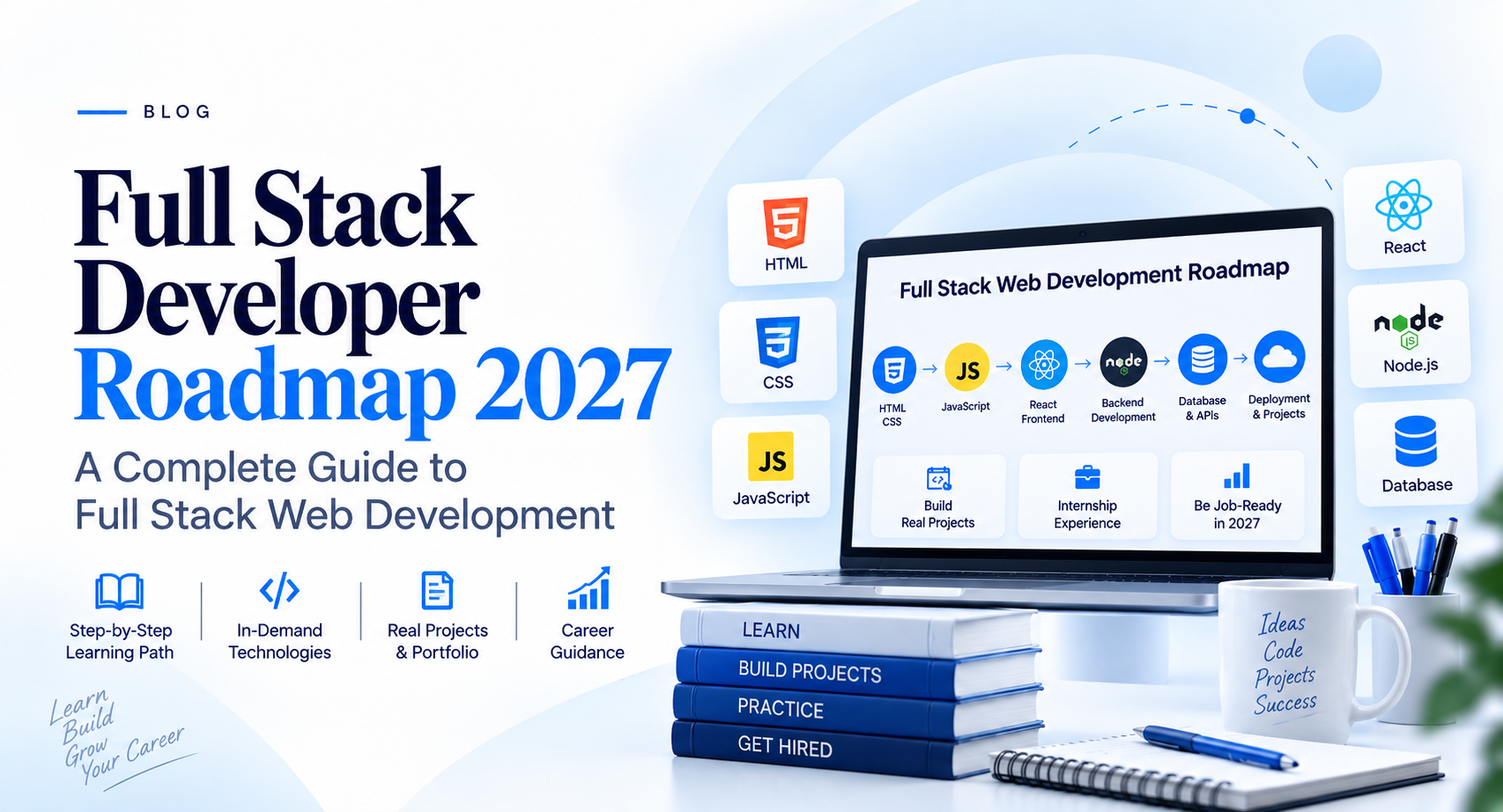
Full Stack Developer Roadmap 2027: A Complete Guide to Full Stack Web Development
The idea of becoming a full stack developer can feel overwhelming when you are just getting started.
You search for “full stack developer roadmap” and suddenly find dozens of technologies, programming languages, frameworks, databases, tools, and terms you've never heard before.
React. Node.js. Python. APIs. SQL. Git. GitHub. Authentication. Deployment. Cloud. Docker.
It is easy to look at all of this and think:
“Do I really need to learn everything?”
Not exactly.
You don't need to learn everything at once. What you need is a clear learning path that takes you from the basics of web development to building complete applications.
That is what this Full Stack Developer Roadmap 2027 is about.
Whether you are a college student, a complete beginner, someone switching careers, or someone who has already started learning programming, this guide will help you understand what full stack web development involves, what you should learn first, and how the different pieces fit together.
What Is a Full Stack Developer?
A full stack developer is someone who can work on different parts of a web application.
Think about a website you use every day.
You can see buttons, forms, menus, images and pages. That's the part users interact with.
Behind those pages, there is usually a server handling requests, business logic processing information, databases storing data, APIs connecting different systems, and security mechanisms protecting user accounts.
A full stack developer learns how these different parts work together.
In simple terms:
Frontend + Backend + Database + APIs + Deployment = Full Stack Web Development
You don't necessarily have to become an expert in every technology. The goal is to understand how a complete web application is designed, developed, connected and deployed.
Full Stack Developer Roadmap 2027
Let's break the journey into manageable steps.
Step 1: Start With HTML
HTML is one of the first technologies you should learn when entering web development.
HTML gives structure to a web page.
You should understand things such as:
Headings
Paragraphs
Links
Images
Lists
Tables
Forms
Buttons
Semantic HTML
HTML5 elements
Don't rush through HTML just because it looks easy.
A strong understanding of HTML makes it much easier to build accessible, well-structured websites later.
What should you build?
Start small.
Build a personal profile page, a simple registration form, a product page or a basic portfolio.
The goal isn't to create something impressive.
The goal is to understand how web pages are structured.
Step 2: Learn CSS
Once you understand HTML, you need to learn how to make your pages look good.
That's where CSS comes in.
CSS controls the visual appearance and layout of your website.
Important topics include:
Colors
Fonts
Spacing
Borders
Backgrounds
Flexbox
CSS Grid
Responsive design
Media queries
Animations
Positioning
One particularly important skill is responsive web design.
A website shouldn't look good only on your laptop. It should work properly on phones, tablets and larger screens too.
A good beginner project
Take a simple HTML page and make it responsive.
Try viewing it on your phone.
You'll quickly discover that building a website and building a website that works well everywhere are two different things.
Step 3: Learn JavaScript
This is where web development becomes much more interactive.
HTML provides structure.
CSS provides styling.
JavaScript adds behavior.
With JavaScript, you can create interactive forms, dynamic menus, calculators, validation, sliders, dashboards and much more.
Start with the fundamentals:
Variables
Data types
Operators
Conditions
Loops
Functions
Arrays
Objects
DOM manipulation
Events
Error handling
ES6+ concepts
Asynchronous JavaScript
Promises
Async/await
Fetch API
Don't try to memorize JavaScript.
Learn by using it.
For example, instead of simply reading about functions, create a calculator that actually uses them.
Instead of reading about DOM manipulation, create a to-do list.
That difference between reading code and writing code becomes extremely important as you progress.
Step 4: Understand Programming Fundamentals
You don't have to know advanced computer science before starting web development.
But you should understand programming fundamentals.
Learn how to think logically about problems.
Practice:
Variables
Conditions
Loops
Functions
Arrays
Objects
Algorithms
Problem solving
Debugging
This is often the part beginners underestimate.
Learning a framework is relatively easy when you already understand programming.
Without those fundamentals, every new technology can feel confusing.
Step 5: Learn Git and GitHub
At some point, you will start creating projects.
That's when version control becomes important.
Git allows you to track changes in your code.
GitHub gives you a place to store and collaborate on repositories.
You should understand:
Git repositories
Commits
Branches
Push and pull
Clone
Merge
Pull requests
Basic Git workflows
GitHub can also become an important part of your developer portfolio.
Your projects can demonstrate what you have actually built rather than simply listing technologies on a resume.
Step 6: Learn a Frontend Framework
Once you're comfortable with HTML, CSS and JavaScript, you can move into modern frontend development.
One popular option is React.
You don't need to jump into React immediately.
First understand JavaScript.
Then learn concepts such as:
Components
Props
State
Events
Forms
Conditional rendering
Lists
Hooks
Routing
API integration
State management
The important thing is to understand why you're using a framework.
Don't learn React simply because someone told you that every developer needs React.
Learn how it helps you build and manage larger applications.
Step 7: Learn Backend Development
Now we move to the other side of the application.
The backend is responsible for things users don't directly see.
For example:
A user submits a login form.
The frontend sends the information to the backend.
The backend checks the credentials.
The database contains the user information.
The backend processes the request and sends a response.
That's the kind of interaction you need to understand.
You can choose a backend technology such as:
Node.js
Python
Java
PHP
Go
The specific language is less important at the beginning than understanding backend concepts.
Learn about:
Servers
Routing
Request and response
Business logic
Authentication
Authorization
Sessions
Error handling
APIs
Security
Server-side validation
Step 8: Learn Databases
Most useful applications need somewhere to store information.
That's where databases come in.
You should understand both the concept of data storage and how applications communicate with databases.
Common database technologies include:
MySQL
PostgreSQL
MongoDB
Start by understanding:
Tables
Rows and columns
Primary keys
Foreign keys
Relationships
CRUD operations
Queries
Indexing
Basic database design
For example, imagine building a gym management system.
You might need tables for:
Members
Memberships
Payments
Trainers
Attendance
Understanding how these pieces relate to each other is much more valuable than simply memorizing SQL commands.
Step 9: Learn APIs
APIs are one of the most important concepts in modern web development.
They allow different parts of an application to communicate.
For example:
A frontend application might request:
“Give me the details of this customer.”
The backend processes that request and returns the information.
You should understand concepts such as:
HTTP
GET
POST
PUT
PATCH
DELETE
JSON
Request headers
Status codes
REST APIs
Authentication
Once you understand APIs, frontend and backend development start to feel much more connected.
Step 10: Understand Authentication and Security
Building an application isn't only about making it work.
You also need to think about protecting it.
Learn the fundamentals of:
Login and registration
Password hashing
Authentication
Authorization
Sessions
Tokens
Input validation
Secure API design
Common web vulnerabilities
You don't need to become a cybersecurity expert to understand secure development practices.
But every full stack developer should develop the habit of thinking about security while building applications.
Step 11: Learn Deployment and Hosting
Your project isn't truly finished just because it works on your laptop.
At some point, you need to put it online.
That's where deployment comes in.
Learn the basics of:
Domain names
Web hosting
Servers
Linux fundamentals
Environment variables
SSL/HTTPS
Deployment
DNS
Server configuration
Basic monitoring
You don't need to become a cloud engineer.
But you should understand what happens between:
“It works on my computer.”
and
“People can actually use it online.”
That transition is an important part of full stack web development.
Step 12: Build Real Projects
This is where everything starts coming together.
Instead of continuously watching tutorials, start building.
Your first project doesn't need to be a huge application.
Start with something manageable.
Beginner projects
Personal portfolio
To-do application
Calculator
Quiz application
Notes application
Intermediate projects
Blog platform
Student management system
Appointment system
Inventory management system
Expense tracker
Advanced projects
E-commerce platform
CRM
Gym management system
Booking platform
Clinic management system
Business management application
The project doesn't have to be revolutionary.
What matters is that you understand what you built.
If someone asks you:
“Why did you use this database?”
or
“How does your login system work?”
you should be able to explain it.
Step 13: Build a Portfolio
Once you have projects, show them.
A developer portfolio can include:
About section
Technical skills
Projects
Live project links
GitHub profile
Contact information
Resume
Instead of writing:
“I know HTML, CSS, JavaScript, React, Python and SQL.”
Show what you built using those technologies.
A working project often communicates more than a long list of technologies.
Step 14: Get Practical Experience
Learning from tutorials is useful.
Building your own projects is better.
Working on a real project teaches you something different.
You encounter:
Changing requirements
Bugs
Client expectations
Deployment problems
Database issues
Team communication
Version control
Deadlines
Maintenance
This is why practical experience can be an important part of becoming job-ready.
An internship, live project or real-world development experience can help you understand how development works beyond the classroom.
Step 15: Prepare for Interviews
Once your technical foundation is strong, start preparing for interviews.
You should be able to explain:
Your projects
Your technology choices
Database structure
APIs
Authentication
Frontend architecture
Backend logic
Debugging process
Git workflow
You may also encounter programming and problem-solving questions.
Don't prepare by memorizing answers.
Practice explaining your thought process.
A good developer should be able to say:
“This was the problem, this is how I approached it, this is why I chose this solution, and this is what I would improve.”
Full Stack Web Development Roadmap at a Glance
If you're starting from zero, you can think of the journey like this:
HTML
↓
CSS + Responsive Design
↓
JavaScript
↓
Programming Fundamentals
↓
Git + GitHub
↓
Frontend Framework
↓
Backend Technology
↓
Database
↓
APIs
↓
Authentication + Security
↓
Deployment + Hosting
↓
Real-World Projects
↓
Portfolio
↓
Internship / Practical Experience
↓
Interview Preparation
↓
Job-Ready Full Stack Developer
You don't have to master everything in a few weeks.
The goal is steady progress.
How Long Does It Take to Learn Full Stack Web Development?
There isn't one fixed answer.
It depends on:
Your current programming knowledge
How many hours you practice
Whether you're learning part-time or full-time
How much practical work you do
The complexity of your projects
How consistently you practice
Someone who studies for an hour occasionally will naturally progress differently from someone who spends several hours every day building projects.
Instead of asking:
“How many months will it take?”
a better question is:
“Can I build something without following a tutorial?”
That is a much better indicator of progress.
Common Mistakes Beginners Make
1. Learning too many technologies at once
You don't need five programming languages and ten frameworks at the beginning.
Learn one path properly.
2. Watching tutorials without building
Tutorials can make you feel like you're learning even when you're mostly watching someone else code.
Build alongside your learning.
3. Copying projects without understanding them
A project isn't useful if you can't explain how it works.
4. Ignoring fundamentals
Frameworks change.
Programming fundamentals remain useful.
5. Avoiding errors
Errors are part of development.
Learning how to read error messages and debug problems is an essential developer skill.
6. Waiting too long before building projects
You don't need to finish every technology before starting your first project.
Build as you learn.
What Should You Learn in 2027?
The web development ecosystem continues to change.
New tools and AI-assisted development are becoming increasingly common, but the fundamentals remain important.
Understanding:
HTML
CSS
JavaScript
Programming
Databases
APIs
Git
Backend development
Security
Deployment
gives you a foundation that can adapt as tools change.
AI tools can help developers write, explain and debug code, but they don't replace the need to understand what the code is doing.
If you cannot understand or review the code being generated, it becomes difficult to maintain a real application.
So learn the fundamentals first and use modern tools to become more productive.
What Makes Someone Job-Ready in Full Stack Web Development?
Being job-ready isn't about knowing a certain number of technologies.
A beginner becomes much more prepared when they can:
Build a responsive website
Write JavaScript logic
Work with a frontend framework
Build backend functionality
Create and use APIs
Work with databases
Implement authentication
Use Git and GitHub
Deploy an application
Debug problems
Explain their projects
Work on a project from beginning to end
That's the difference between simply learning technologies and learning development.
Should You Learn Full Stack Web Development?
If you enjoy creating things on the web and want to understand how applications work from the user interface all the way to the backend, full stack web development can be an interesting path to explore.
But don't choose it simply because you heard that “full stack developers are in demand.”
Technology changes.
Your ability to learn, solve problems, build projects and adapt to new tools is what will continue to matter.
Start small.
Build something.
Break it.
Fix it.
Improve it.
Then build something a little more complicated.
That's how the roadmap turns into real development skills.
Final Thoughts
Becoming a full stack developer can look complicated when you see the entire technology stack at once.
But you don't learn everything in one day.
You learn one concept, then connect it with another.
HTML teaches you structure.
CSS teaches you presentation.
JavaScript teaches you interaction.
Backend development teaches you application logic.
Databases teach you how information is stored.
APIs connect different parts of the application.
Deployment takes your project from your computer to the real world.
And projects bring everything together.
So if you're starting your full stack web development journey in 2027, don't worry about learning everything immediately.
Focus on understanding the fundamentals, practice consistently, build real projects and gradually increase the complexity of what you create.
The roadmap isn't about reaching the end as quickly as possible.
It's about becoming capable of building something on your own.
Frequently Asked Questions
Is full stack web development difficult for beginners?
It can feel difficult initially because there are many concepts to learn. Breaking the journey into smaller stages makes it much easier to manage.
Can I learn full stack web development without a computer science degree?
Yes. A formal degree isn't the only way to learn web development. Consistent practice, strong fundamentals and practical projects can help you develop the necessary skills.
Which language is best for full stack web development?
There isn't one universally best language. JavaScript, Python, Java, PHP and other technologies can be used for different full stack development paths.
How many projects should I build?
There is no magic number. A few well-understood, properly completed projects are generally more useful than a large collection of copied tutorial projects.
Should I learn frontend or backend first?
For most beginners, starting with HTML, CSS and JavaScript provides a useful foundation before moving into backend development.
Is GitHub important for a full stack developer?
Git and GitHub are widely used for managing and collaborating on code. Learning them early can make your development workflow much easier.
Should I learn AI while learning full stack web development?
You can learn how AI tools fit into modern development, but don't skip programming fundamentals. Understanding the code you write or generate remains important.
What is the difference between a full stack developer and a full stack web developer?
In everyday usage, the terms are often used interchangeably. A full stack web developer generally refers specifically to someone who works across the frontend and backend parts of web applications.